Russian only. Sorry.
298 total views, 0 views today
 WordPress Gear
Do better!
Russian only. Sorry.
298 total views, 0 views today
Russian only. Sorry.
301 total views, 0 views today
Russian only. Sorry.
170 total views, 0 views today
Russian only. Sorry.
195 total views, 0 views today
Russian only. Sorry.
275 total views, 1 views today
Russian only. Sorry.
351 total views, 0 views today

This Plugin allows you to Add personal Notes, comments, memo to each of the Plugins.
You can change or delete any Note at any time.
Notes are available to anyone who has access to the Plugins page.
Here are some reasons why “Plugin Notes Label” is needed and useful:
Continue reading “Plugin Notes Label”
619 total views, 0 views today
Russian only. Sorry.
267 total views, 0 views today

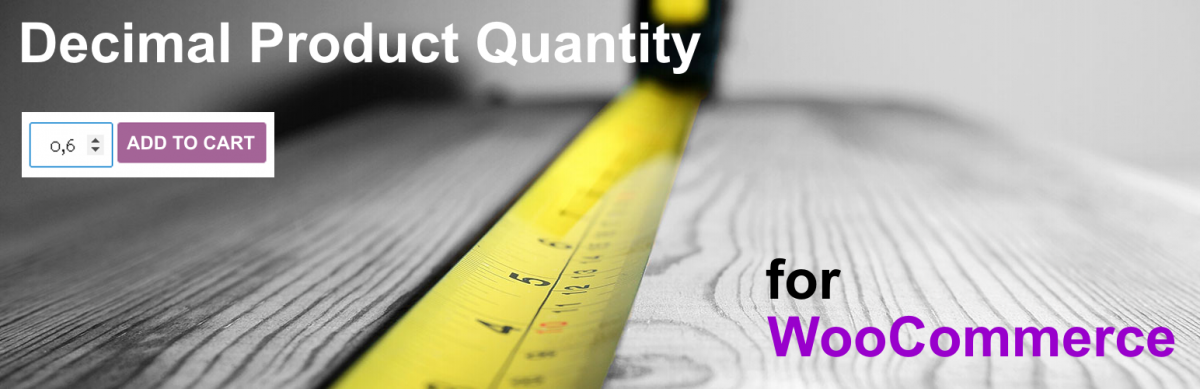
Products like: Pizza, Liquid on the filling, Custom weight, etc.
The plugin makes it possible to sell Products as whole or in parts: 0.5 1.5 etc.
For example:
= Futured =
* You can set the Minimum product quantity for all Products by default (preset = 1). But at the same time, each Product / Categories can have its own Minimum Quantity value.
* You can set the Step of Changing the quantity of goods for all Products by default (preset = 1). But at the same time, each Product / Categories can have its own value for the Change in Quantity Step.
* You can set the Default – Choice product quantity for all Products by default (preset = 1). But at the same time, each Product / Categories can have its own Default – Choice Quantity value.
* You can set the Maximum product quantity for all Products. But at the same time, each Product / Categories can have its own Maximum Quantity value.
* Auto correction “No valid value” customer enters to nearest valid value.
* Auto correction considering with “Maximum allowed for Product”.
* Column “Quantity” on Products List.
* Update Cart Automatically on Quantity Change (AJAX Cart Update)
* You can set a “Value Label” for each individual Item. Individually or as a whole for the Category. For example: “Price per Meter”, “Price per Liter”.
* It is possible to use Product – JS Object for Ext.Integration: QNT_Data. Function: DPQW_Get_QuantityData (Product_ID).
* Buttons: +/- To select the Quantity on the Product page and in the Cart. (Depending on your Theme, CSS correction may be required).
* Some possibilities are available only in the Pro version.
* Works with WP 6.9.1 (min 5.0)
* Works with WooCommerce v10.5.2 (min v3.4.8)
* With this plugin – fully compatible Plugin for Composite Products: “WPGear Composite Products for WooCommerce“.
Continue reading “Decimal Product Quantity for WooCommerce”
2,917 total views, 2 views today
Russian only. Sorry.
234 total views, 0 views today